Intuitive And Light
Feature rich, with sensible defaults, while you get to make the choices you need to make your website yours.
Open Source Content Management · PHP · GPL-3.0
Free and open source, Elementary is ready for you, your business, and your clients. It runs on any standard shared hosting, web server, or cPanel server with a LAMP stack.
No. 01
Ships ready to use. Great for small business, personal, portfolio, or blog websites.
Feature rich, with sensible defaults, while you get to make the choices you need to make your website yours.
The built-in caching system means traffic spikes and AI bot crawling are problems of the past. Less resource usage and faster page loads mean better user experience, improved SEO, and lower hosting costs.
Just change the app name in the config file to whatever you want. Great for web developers and agencies.
User role management, 2FA, and an optional Cloudflare Turnstile plugin.
Write posts with categories and tags, and build pages from rows, columns, and text, image, or video blocks. Manage menus, files, and your home page from Settings.
Compare changes against previous versions, restore an older one, and recover deleted content from the recycle bin.
No. 02
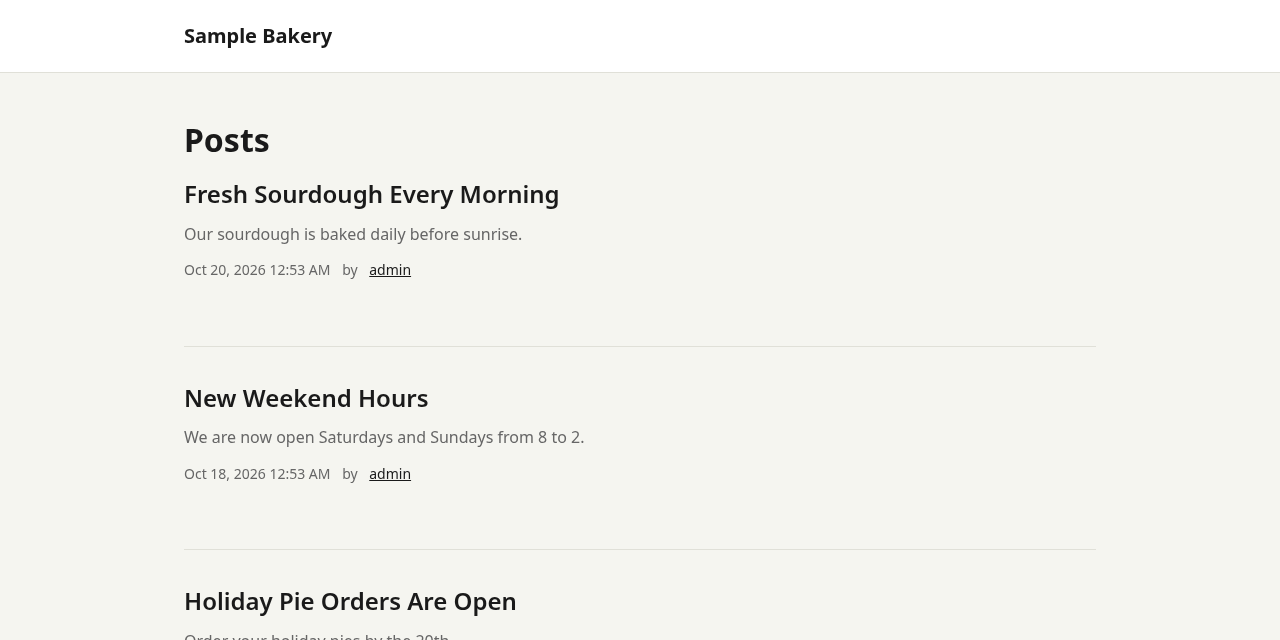
Screenshots from a fresh Elementary 1.0.1 install with sample content.
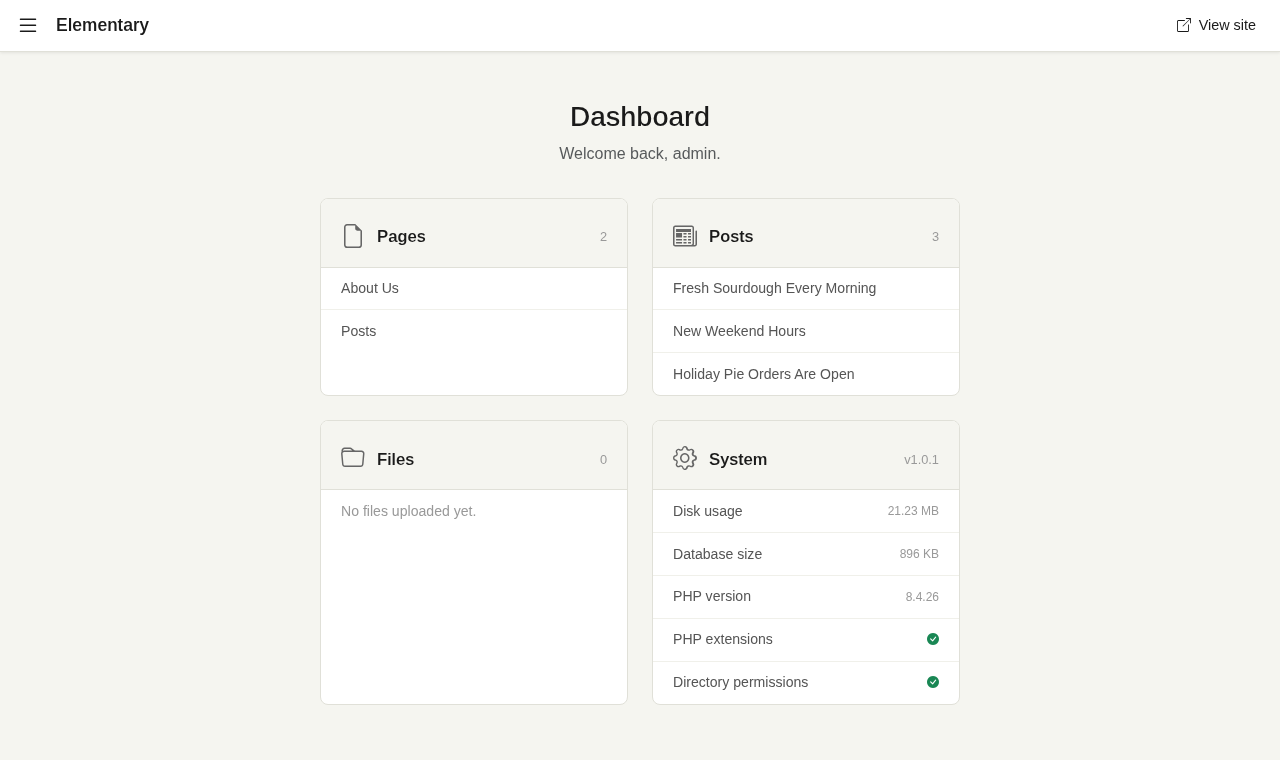
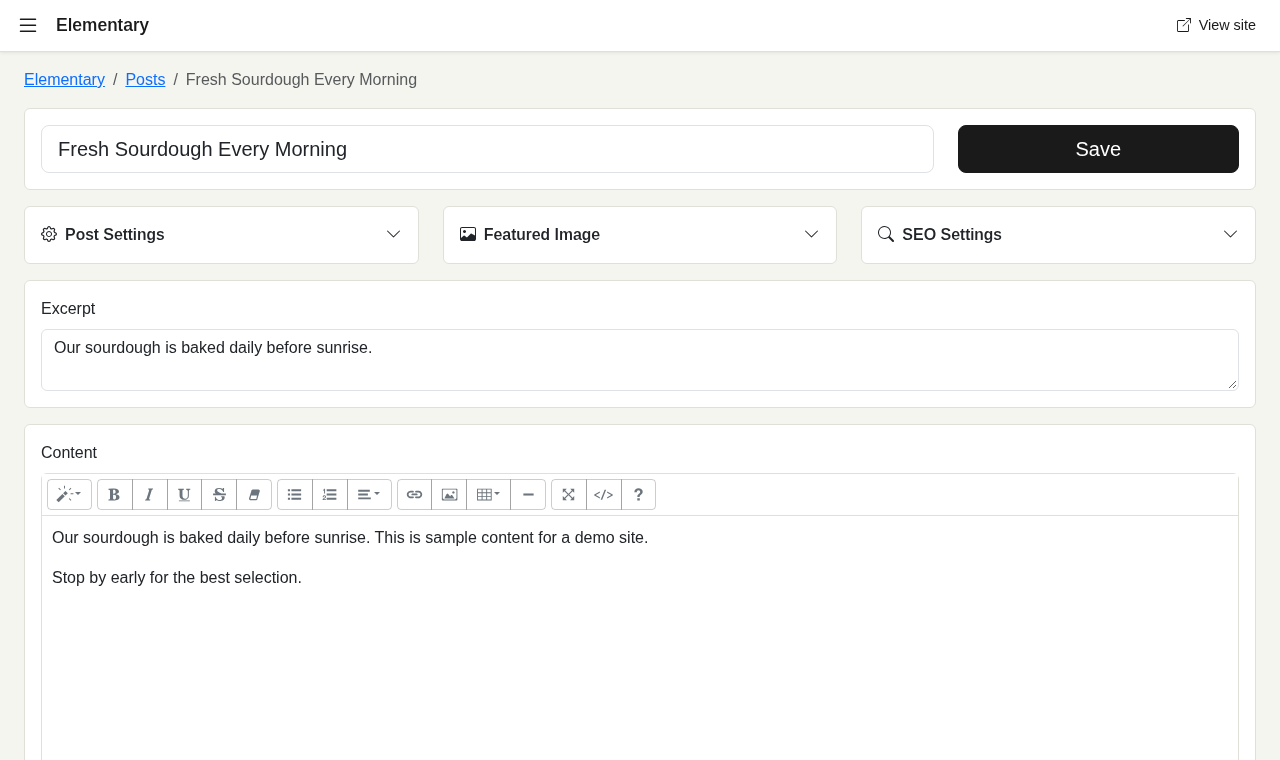
Most core functionality lives in config.php, while the Settings screen handles everyday features in your browser. Handing sites off to clients or less technical users is less likely to end in a broken website or a long support call.
No. 03
A LAMP stack or compatible Linux server environment. Typical low cost shared hosting is perfectly suited, and a VPS, cloud environment, dedicated server, or Docker works too.
config.sample.php to config.php and configure it./install on your site to create your admin account.installed to true to disable future access to the installer./admin to get started.Upload the new files over your existing installation, check config.sample.php for new options, then visit /update to migrate the database.
No. 04
Themes live in theme/. Required: index.php (metadata) and template.php. Optional: post.php, page.php, category.php, and page-{slug}.php templates.
Hooks: before_render, after_render. Helpers: url(), esc(), format_date().
Plugins live in plugin/. Required: index.php (metadata) and plugin.php (hooks). Enable them in config:
'plugins' => ['my-plugin'],No. 05
Typical low cost hosting is perfectly suited for Elementary. These providers are a great place to start.
Some links are affiliate links. Choosing one supports the project at no extra cost to you.
No. 06
Elementary is licensed under the GPL-3.0. Enjoy! It bundles Bootstrap, Bootstrap Icons, PHPMailer, and Summernote, with thanks to the people who built them.